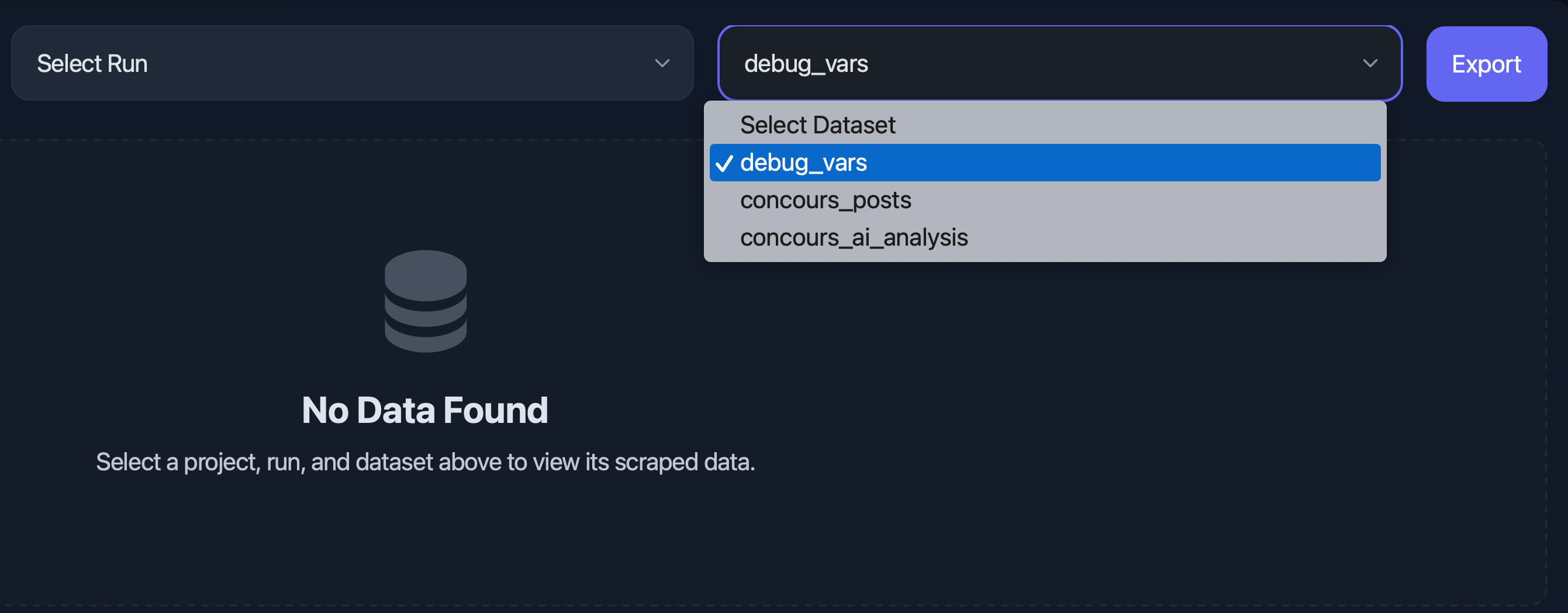
For now we can only export by choosing a file name in the project settings. but it will be nice to also export from “Execution Logs” tab menu, to export old logs, or to auto save all logs.
Thank you
For now we can only export by choosing a file name in the project settings. but it will be nice to also export from “Execution Logs” tab menu, to export old logs, or to auto save all logs.
Thank you
Thank you for the feedback! We agree that exporting directly from the “Execution Logs” tab as well as auto-saving logs, would be great additions.
We will implement this feature and it will be available in the next update.
Furthermore, being able to export multiple datasets connected to the same scrape would be really useful. For example, for a CSV, the different datasets could be separate sheets, and similarly for JSON. Having a complete JSON with the different datasets included.
Thanks for the suggestion. This makes a lot of sense so we’ve added it to the roadmap for the upcoming update. Appreciate the feedback!